
Download AW APK – A&W app, order food, pay with phone, A&W Canada, mobile ordering
Overview
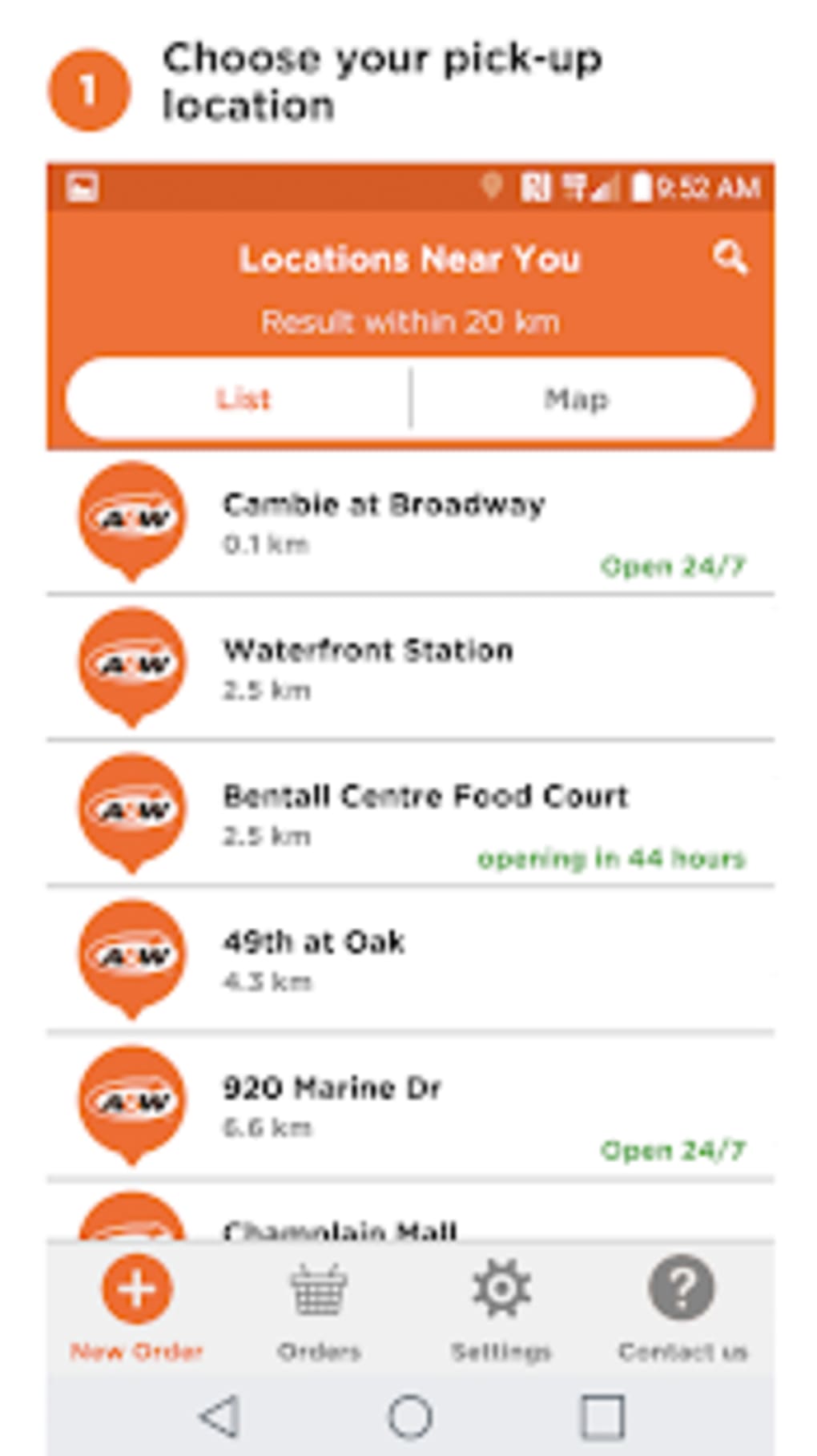
AW is a mobile ordering and payment application developed by AW Canada, designed to streamline the dining experience at A&W restaurants. The app enables users to pre-order their favorite meals before arriving at a location, significantly reducing wait times. By leveraging GPS technology, the app tracks the user’s proximity to a restaurant and triggers meal preparation just minutes before arrival, ensuring food is ready upon pickup. This functionality is ideal for individuals seeking convenience, especially during peak hours or busy schedules. The app supports customization of orders and allows users to save favorite meals for rapid reordering, enhancing efficiency for repeat customers. Payments are processed securely through integrated options such as credit card, Apple Pay, and Google Wallet, eliminating the need to carry cash or wait at the register. AW is tailored for A&W enthusiasts and busy consumers who value time-saving solutions. While the app is currently available on iOS and Android, specific desktop compatibility has not been indicated. The developer has not provided additional information about the app’s broader ecosystem or integrations beyond the core ordering experience.
Key Features & Capabilities
- Pre-Ordering System: Users can place orders in advance, allowing kitchens to begin preparing meals before arrival, reducing in-store wait times.
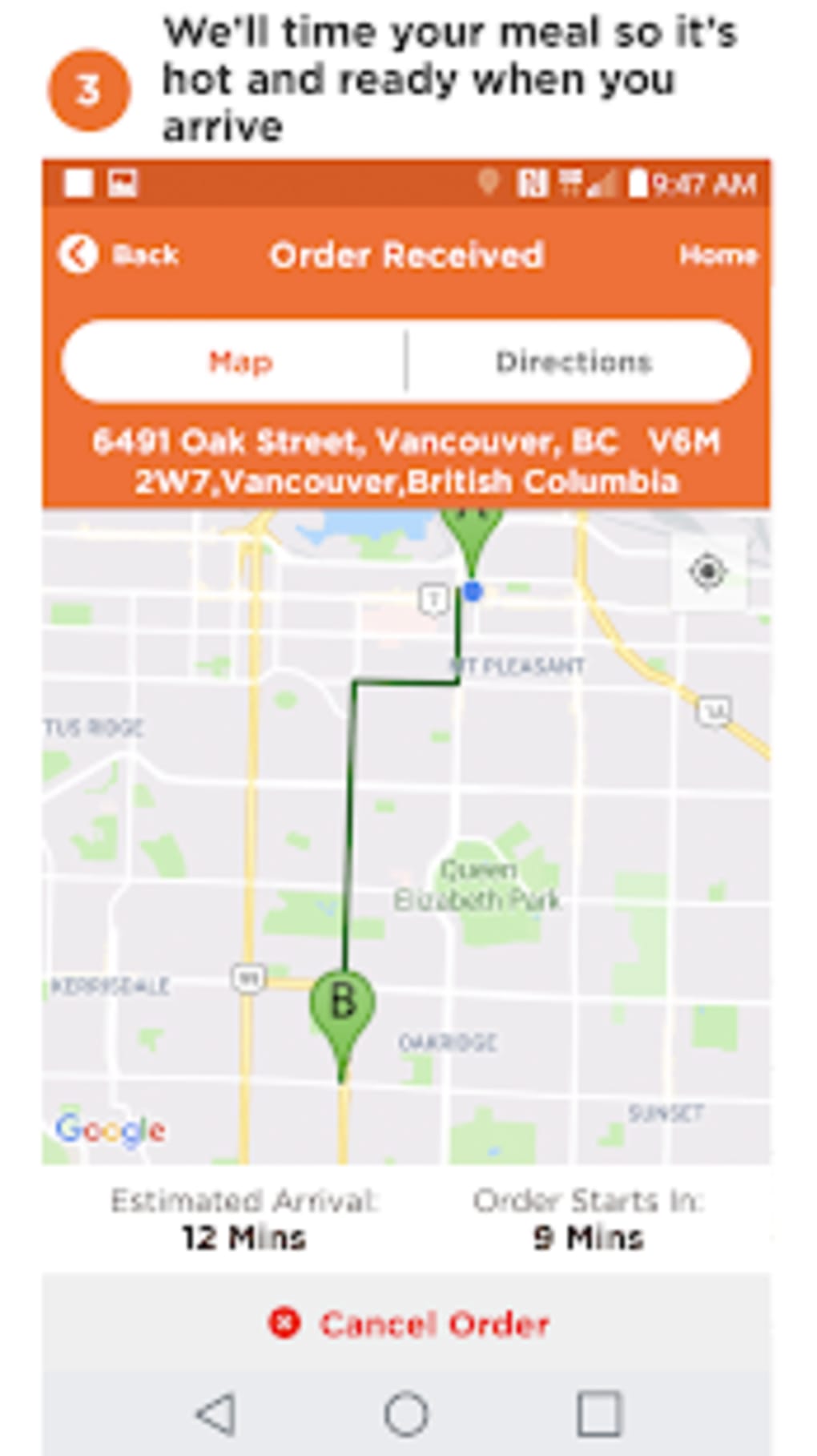
- GPS-Based Timing: The app uses location services to detect proximity to a restaurant and automatically initiates food preparation when the user is within a few minutes of the location.
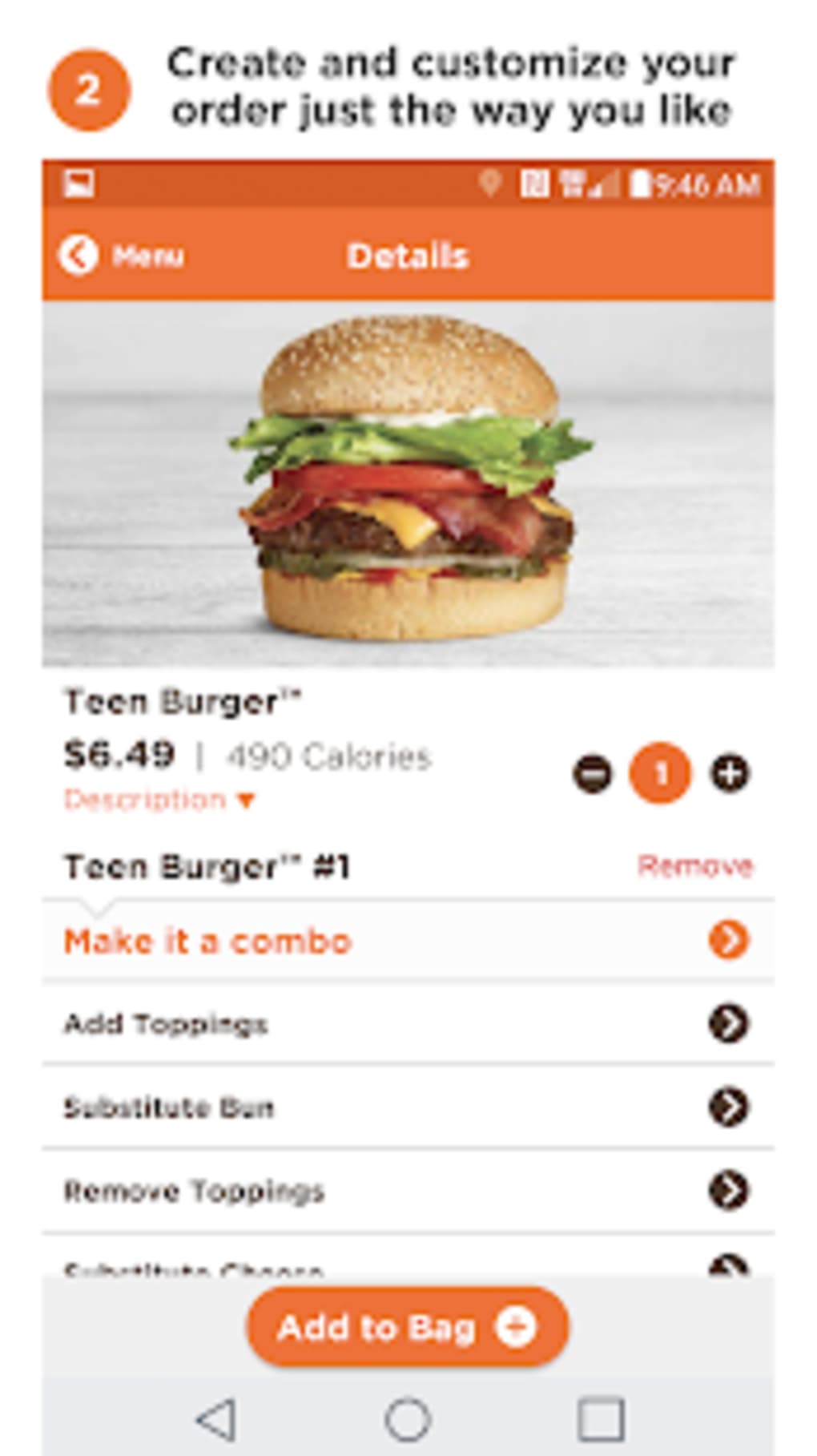
- Meal Customization: Customers can modify their orders with specific ingredients, sauces, or dietary preferences to match personal taste.
- Favorite Meals: Frequently ordered items can be saved for one-tap reordering, improving speed and consistency.
- Multiple Payment Methods: Secure transactions are supported via credit card, Apple Pay, and Google Wallet, offering flexibility and convenience.
- Real-Time Order Tracking: Users can monitor the status of their order from preparation to readiness for pickup.
These features collectively create a seamless experience for users who prioritize efficiency and personalization. For example, a commuter can pre-order breakfast at an A&W location on their way to work, ensuring their meal is ready upon arrival. Similarly, families can plan and customize meals ahead of time during weekend outings. The app’s integration with mobile wallets enhances security and simplifies the checkout process. Although the developer has not detailed backend infrastructure or data handling practices, the inclusion of standard payment gateways suggests adherence to industry security standards. The app’s functionality is focused solely on ordering and payment, with no additional features such as loyalty rewards or delivery tracking disclosed.
User Interface, Workflow & Performance
The user interface of AW is designed for simplicity and speed, with a clean layout that prioritizes navigation and order placement. Key sections such as the menu, favorites, and order history are accessible through intuitive tabs or swipe gestures. The workflow follows a logical sequence: browse menu → customize order → select payment method → confirm and submit. This streamlined process minimizes user effort and supports quick decision-making. The app’s performance is expected to align with standard mobile application behavior, though exact resource usage details were not specified. The developer did not provide information on CPU or RAM consumption, nor on stability under high load or extended use. Based on general patterns, the app likely maintains responsive behavior during normal operation, with minimal lag during order submission. However, performance may vary depending on device capabilities and network conditions. Users relying on older smartphones or weaker internet connections may experience delays in GPS detection or payment processing. The app’s reliance on real-time location tracking suggests it may consume background battery power, but no official details on battery impact were shared. Overall, the app appears optimized for usability, with a focus on minimizing friction in the ordering journey.
Compatibility & System Requirements
AW is available for iOS and Android devices, supporting both major mobile operating systems. The current version is 4.2.3, with a download size of 98.5 MB. This indicates the app is lightweight and suitable for devices with moderate storage capacity. However, the developer did not specify exact system requirements, such as minimum OS versions, RAM, or processor specifications. Compatibility information is limited to the platform names, with no details on support for older devices or tablet versions. The app’s reliance on GPS and real-time location services suggests it requires access to device sensors and internet connectivity. While the app is designed for mobile use, no desktop or web-based variant has been announced. Users should verify that their device meets general app compatibility standards, but specific technical prerequisites were not provided by the developer.
Pros and Cons
Pros
- Fast, pre-order system reduces wait times at A&W locations
- GPS-based timing ensures meals are ready upon arrival
- Customizable orders and favorite meal saving improve efficiency
- Multiple secure payment options including Apple Pay and Google Wallet
- Free to download and use with no subscription fees
Cons
- No desktop or PC version available for use on larger screens
- Exact system requirements were not disclosed by the developer
- Performance may vary on older or low-end mobile devices
- Relies on constant internet and GPS access for full functionality
- Limited to A&W restaurants, with no support for other fast food chains
FAQ Section
Is AW available for desktop or PC?
The app is currently designed for mobile use on iOS and Android devices. There is no official desktop or PC version available at this time.
Is the app secure for mobile payments?
Yes, the app supports secure payment methods including credit card, Apple Pay, and Google Wallet, which use encryption and tokenization to protect user data.
How often does the app receive updates?
Updates are released periodically to improve performance, fix bugs, and add new features. The latest version is 4.2.3, as of the release date in 2024.
Can I use AW offline?
Offline functionality is limited. While saved favorites and order history may be accessible without a connection, placing new orders requires an active internet connection.
Is the app free to download and use?
Yes, AW is completely free to download and use. There are no hidden fees or subscription charges.
Final Thoughts
AW delivers a focused, efficient solution for A&W customers seeking to skip the line and enjoy a faster dining experience. Its integration of GPS-based timing, customizable orders, and multiple payment options creates a seamless mobile ordering journey. The app is particularly beneficial for busy professionals, families, and frequent A&W patrons who value time and convenience. While it lacks desktop compatibility and detailed system requirements, its mobile-first design ensures optimal performance on smartphones. The free model and secure payment infrastructure make it accessible and trustworthy. For users invested in the A&W ecosystem, this app is a must-have tool. Download AW now and experience smarter, faster ordering on the go.
Download AW APK now




.png)


